How a Signal Flow Diagram and Handover Pack Get Built, Step by Step
A look at how we turn a producer's rough brief into a schedule, a signal flow diagram and a handover document that a crew can run from on the first morning.
6 minutes to read
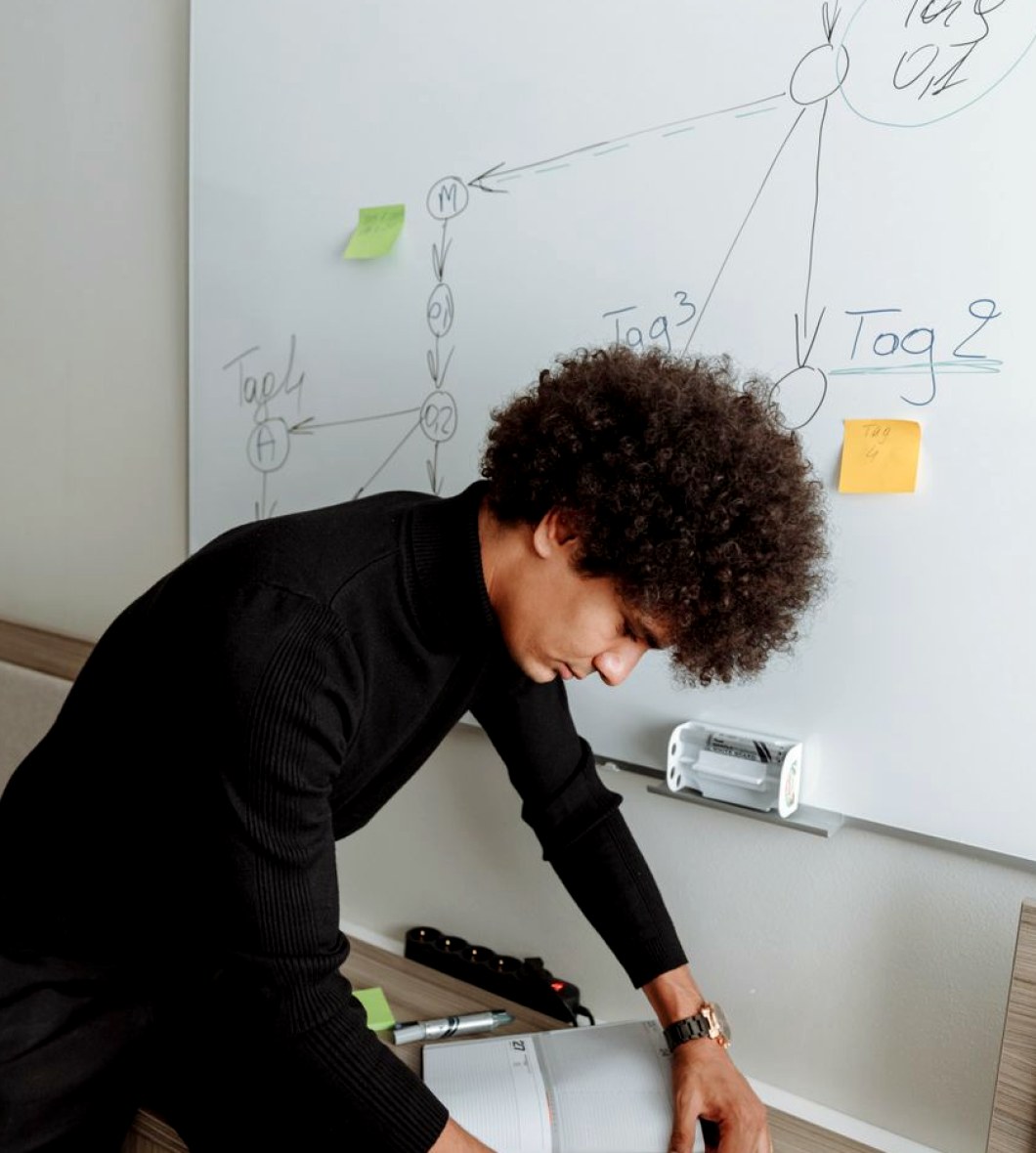
It starts with a conversation, not a drawing
Every workflow job I take on begins with a long call or a visit to the site, and I try to keep the first hour free of software. I ask the producer what has to be on air or on the screens, who needs to see what, and where the last production went wrong. Those complaints are often more useful than the technical list, because they point at the handoffs that failed: a feed nobody owned, a late cue sheet, a sound mix that reached the truck two minutes after the pictures.
I sit with whoever will actually run the day, whether that is a vision supervisor, a stage manager or a venue technician, and write down their words rather than translating them straight away. A diagram that uses the crew's own names for things gets read. One that uses mine mostly gets filed.
By the end of that first session I want three things on paper: the outputs that matter, the people who touch them, and the points where a decision is currently made by habit rather than by plan.
- The outputs: what leaves the building and in what form
- The people who touch each signal along the way
- The handoffs that failed on the last job
Drawing the signal path before naming any equipment
The first diagram I draw has no model numbers on it. It shows sources on the left, destinations on the right, and every point in between where a signal is switched, converted, delayed or recorded. Working this way stops the kit list from steering the design. If a camera feed needs to reach a network gallery and a venue screen at different latencies, that shows up as two lines, and the question of which converter or router handles it comes later.
I use plain boxes and a small set of line styles, so that someone who has never seen our drawings can follow a path with a finger. Video, audio, intercom, timecode and control each get their own style, and every line carries a label that matches the label on the cable or the patch bay.
Only once the path reads correctly do I sit down with the engineers to attach real equipment to it, and that is usually where the first useful disagreements happen.
Building the schedule around the people, not the kit
A schedule for a studio day or a live event is mostly a negotiation between departments who each believe they need the room first. I lay out load-in, rigging, line check, rehearsal, doors or transmission, and derig as blocks, then mark the dependencies between them. Sound cannot tune a system while lighting is still flying trusses overhead; cameras cannot be matched until the lamps are at their working levels.
I put the awkward items in early: meal breaks, crew changes, a venue curfew, the point at which a network's engineering contact has to approve a feed. Adding them later is how a plan that looked comfortable on Monday turns out to be impossible by Thursday.
Each block gets a named owner and a start that depends on a stated event rather than a clock time alone, so that if one block slips, everyone can see what moves with it.
- Dependencies marked between every block
- A named owner for each block
- Curfews, breaks and approvals placed first
Testing the plan on paper with the crew
Before anything is printed I walk the draft through with the department heads, usually in a single sitting with the diagram on a screen. I ask each of them to talk me through their day using only the drawing and the schedule. Where they hesitate, the document is unclear or the plan is wrong, and either way it needs fixing.
This is also the point where small, practical things appear: a cable run that crosses a public walkway, a monitor position that blocks a sightline, an intercom channel that two teams assumed was theirs alone. None of these are expensive to correct on paper. All of them are expensive on the day.
I keep a short change log during these walkthroughs, because decisions made in a meeting are forgotten within a week, and the log is what lets me explain later why a route was drawn the way it was.
What goes into the handover document
The handover pack is written for someone who was not in any of the meetings. It opens with a single page that states what the production is, who is responsible for what, and who to ring first when something fails. Behind that sit the signal flow diagrams, the final schedule, the patch and routing lists, the intercom assignments and the contact sheet.
I keep the language flat and the layout consistent from page to page, because it will be read on a phone in a corridor or on a printout with tape on the corner. Every diagram carries a revision number and the date it was last checked against the real installation.
Where something was decided for a reason that is not obvious, I add a line explaining it. A future crew changing the setup should know which parts are deliberate and which are merely how it happened to be left.
- One-page summary with responsibilities and first contact
- Diagrams with revision numbers and check dates
- Patch lists, intercom assignments and contacts
After the job: closing the loop
When the event or the studio run is over, I ask for the marked-up copies back. The pencil notes on a printed diagram tell me more about what the plan missed than any debrief, and they go into the next revision before the files are archived.
I also ask the producer a short list of questions while the memory is fresh: which handoff worked, which one needed a phone call, and what the crew would change. The answers are usually modest and specific, such as moving a monitor, renaming a channel or starting a block earlier.
That revised pack is what the next team inherits. A workflow that is only ever used once has not really been planned; the aim is a set of documents that gets slightly better every time someone picks it up.
Workflow planning is unglamorous work, and most of it is done well before anyone switches a camera on. A clear diagram, a schedule with owners and a handover pack that a stranger can follow are what let a crew spend the day making programmes instead of solving puzzles. If your team is heading into a busy winter of studio bookings or live dates, that preparation is worth starting now.