Hardware Panels or Software Control for Studio Cameras: Which Suits You
A plain comparison of dedicated hardware camera control panels and software-based control for remote heads and vision mixing, with a clear recommendation for small and mid-sized studios.
5 minutes to read
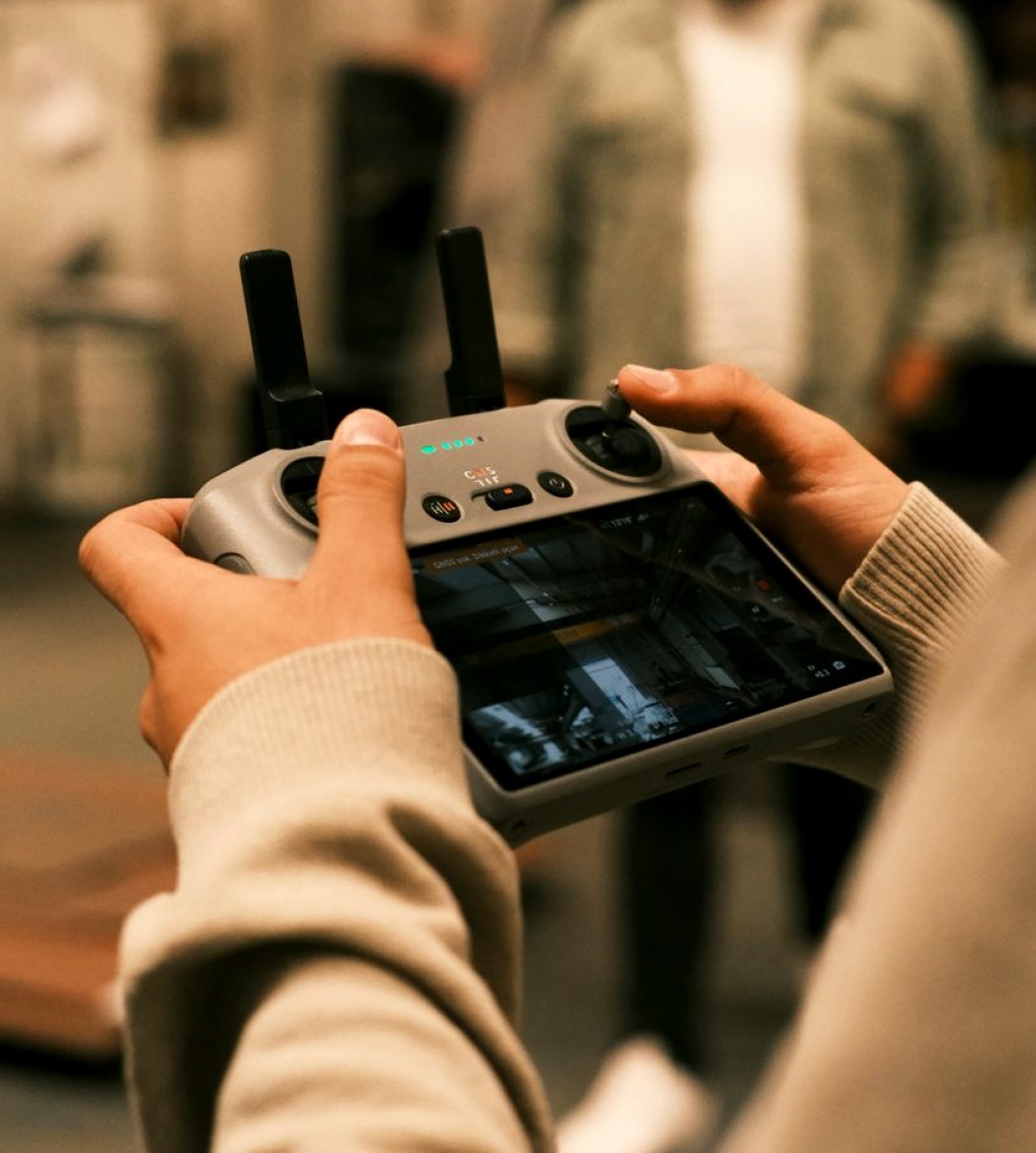
The two options on the table
When a studio team asks us how to control its cameras, the conversation usually narrows to two choices. The first is a dedicated hardware control surface: a physical panel with joysticks, iris levers and rows of buttons, wired to each camera control unit. The second is software-based control, where the same adjustments are made from a screen using a mouse, a touch display or a small general-purpose controller.
Both can produce a clean picture and both can drive remote heads and feed a vision mixer. The difference lies in how the operator works, how the system grows and what happens when something goes wrong in the middle of a recording.
I write mostly about lighting, but camera matching and lighting are never separate jobs on a shoot. The person balancing the cameras is working directly against my fixtures, so I have watched both approaches from the next seat along.
What hardware panels do well
A hardware panel gives the operator tactile control. Iris, black level and colour balance sit under the fingers, and a good operator can shade several cameras at once without looking down. On a live show with changing light, that speed matters. A cue that shifts the stage from warm to cold needs a quick correction on every camera, and physical faders allow it.
Panels also fail in predictable ways. A dead button affects one function, not the whole system, and a spare panel can be swapped in within minutes. Crews who move between facilities find the layout familiar, which cuts the time spent explaining the setup.
The costs are real. Panels take up desk space, each manufacturer has its own cabling and protocols, and adding cameras can mean buying another unit or an expansion card.
- Fast, simultaneous shading of several cameras
- Predictable failure and quick replacement
- Familiar layout for visiting crews
- Higher purchase cost and fixed desk footprint
What software control does well
Software control is flexible. A single screen can show every camera, store presets for remote heads and recall them with one touch. For a studio that changes layout between programmes, saving a full set of positions and colour settings per show is a genuine saving of time at the start of each day.
It also scales more gently. Adding a camera is usually a licence or a network connection rather than a new piece of furniture, and the interface can be rearranged to suit a particular operator or a particular show.
The weaknesses are about handling and dependence. Fine adjustment with a mouse is slower than a lever, and the whole system depends on the computer and the network behind it. A frozen screen during a live transmission has no partial failure to fall back on, so the network and the machine need the same care as the cameras.
How the studio size and show type decide it
The right answer depends less on preference than on the work. A studio running live magazine programmes or events with fast lighting changes benefits from a hardware panel, because the operator needs both hands on continuous controls. A studio recording scripted or interview formats, where positions repeat from take to take, gains more from stored presets and a screen.
Staffing matters too. If one person handles camera shading and vision mixing, a compact hardware surface keeps everything within reach. If several operators share the room across the week, a software interface that each person can configure may suit them better.
Budget and space are practical limits. A small venue with a modest rack and a single control desk may not have room for a large panel, and a broadcaster with a fixed gallery may already own the cabling that a panel requires.
- Live, fast-changing shows lean towards hardware
- Repeatable recorded formats lean towards software
- Single operator roles favour a compact panel
A fair comparison of risk and cost
Purchase price is only part of the picture. Hardware costs more up front, but it tends to be simple to maintain and holds its value for years. Software costs less to start with, yet licences, updates and the computer running them recur over the life of the system.
Training time differs as well. New operators with a broadcast background pick up a hardware surface quickly, while those used to screens can take to software faster. Neither is wrong, and the cost of retraining is worth counting.
Risk is the deciding factor for live work. We ask one question of every client: what happens if this fails during transmission? A hardware answer is usually a spare panel on a shelf. A software answer must be a second machine ready on the same network. If that backup is not affordable or not understood by the crew, the hardware route is safer.
Our recommendation
For most small and mid-sized studios producing live or near-live programmes, we recommend a hardware control panel as the main surface, with software control alongside it for presets, remote head positions and setup between shows. This pairing keeps the operator's hands on real controls when it counts and uses the screen for the repetitive work it handles well.
For a studio that records only, with fixed formats and a single regular crew, software control on its own is a sound and economical choice, provided the network and the computer are treated as broadcast equipment and a spare is kept.
In both cases, write down the signal path and the fallback before buying anything. The specification matters more than the brand of the panel.
Neither option is the better one in general. Hardware suits fast live work and gives a simple failure path, while software suits repeatable formats and growing camera counts. For most studios the sensible answer is a panel for the operator and software for presets, with a written fallback for both. If you are weighing the choice for a particular room, send us the layout and the type of programmes and we will go through it with you.